
Safety, battery and charging
Safety
- Loud sound. The buzzer is rated 105 dB at 30 cm. Do not hold the timer close to your ear while it sounds, and wear hearing protection on the range as usual.
- Not waterproof. The case has no seals and no water-resistance rating. Keep the timer out of rain and splashes, and dry it at once if it gets wet. Do not use it if water got inside.
- Do not open the case unless ASB Nexus support asks you to. There are no user-serviceable parts inside.
- Children. The timer is not a toy. Keep it, and any lanyard attached to it, away from small children.
- Radio. The timer can use Bluetooth and Wi-Fi (2.4 GHz). Set Settings › Studio link › Wireless to Off where radio transmitters are not allowed.
Battery
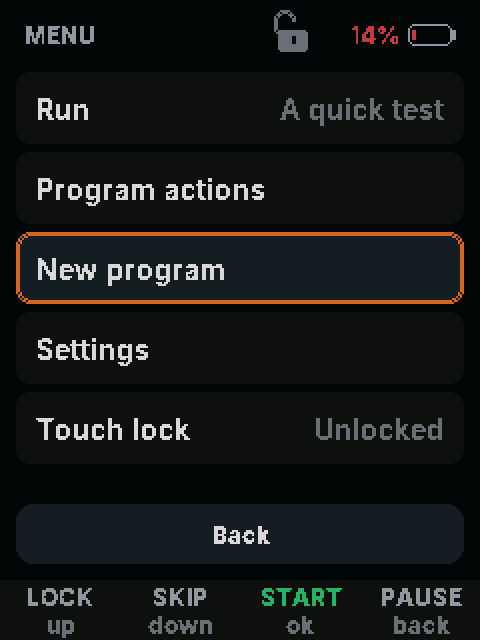
The RC-1 Touch runs on a built-in rechargeable lithium-polymer battery (1100 mAh). The battery level is shown as a percentage at the top right of every screen.
- Charge at room temperature. Do not charge below 0 °C or above 45 °C.
- Do not leave the timer in a hot car, in direct sun behind glass, or near a heater.
- Do not crush, bend or puncture the timer. If the case swells, gets hot or smells, stop using it, unplug it and contact ASB Nexus support.
- For long storage, charge to about half and top it up every few months.
- At end of life, recycle the timer at an electronics or battery drop-off point. Do not throw it in household waste.
Low battery. At 15 % the timer beeps once and the battery figure turns red; during a program it also shows Battery low. At 5 % it beeps again and shows Battery very low: charge. These warnings are never spoken.
Charging
- Plug a USB-C cable into the port on the bottom edge of the timer and into a USB charger (5 V) or a computer.
- The battery icon shows that it is charging. You can keep using the timer while it charges.
- Unplug when the battery shows 100 %.
The timer charges at up to 500 mA, so a full charge from empty takes roughly 2½ to 3 hours (an estimate from the charge current). Battery life per charge has not been measured yet on the prototype; it depends on brightness, volume and whether Bluetooth or Wi-Fi is on.
PHOTO: timer charging from a USB-C cable, battery icon visible